
Download Make SFX – Create Self-Extracting EXE Files, ZLIB Compression, Silent Extraction, Script Execution
Overview
Make SFX is a mobile application designed for users who need to generate self-extracting executable (EXE) files on Windows systems. The app focuses on simplifying the process of packaging compressed files into standalone EXE formats, enabling easy distribution and extraction without requiring external decompression tools. This functionality is particularly useful for sharing software packages, documents, or installation bundles across environments where users may not have access to ZIP utilities.
The primary purpose of Make SFX is to streamline file distribution by combining compression and execution into a single, executable file. It addresses common challenges such as dependency on third-party software, inconsistent extraction paths, and manual user intervention during unpacking. By leveraging ZLIB compression, the app ensures efficient file size reduction while maintaining compatibility across various Windows versions.
Target users include software developers, IT administrators, educators distributing course materials, and anyone managing file transfers in professional or personal workflows. The app’s emphasis on automation and customization makes it suitable for both technical and non-technical users. While the developer did not provide additional background information, the app’s focus on functionality and ease of use suggests a targeted approach to solving a niche but practical need in the Windows ecosystem.
Real-world use cases include deploying software updates silently, automating installation routines, and securely distributing sensitive files with minimal user interaction. In the broader app ecosystem, Make SFX fills a gap for lightweight, no-frills tools that enhance file management and distribution on Windows platforms.
Key Features & Functionality
Make SFX delivers a focused set of features tailored to the creation and deployment of self-extracting archives. Each feature is designed to improve usability, automation, and compatibility for end users.
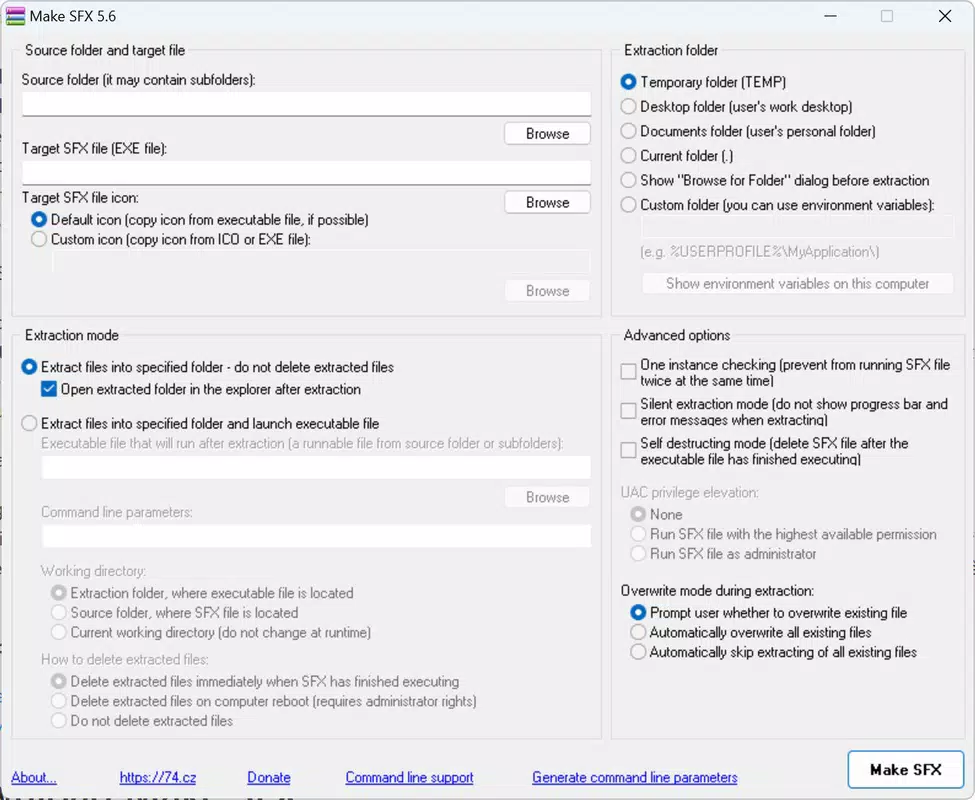
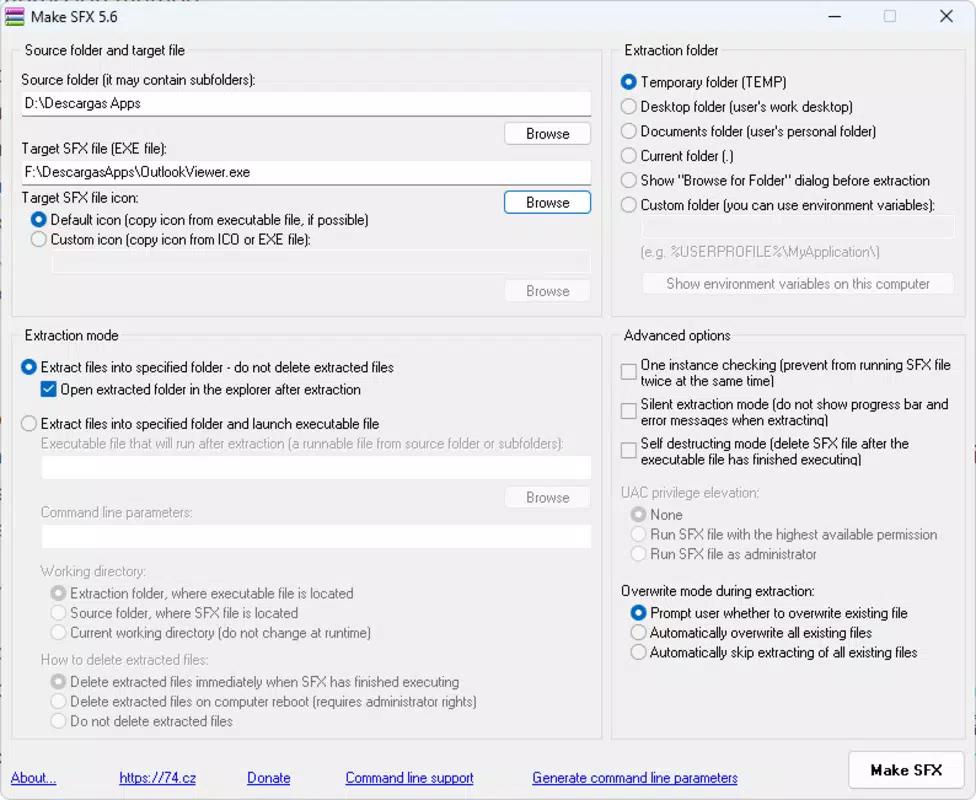
- Easy Interface: The app features a straightforward layout that allows users to quickly select source files and destination paths. This simplicity reduces the learning curve, making it accessible even to those without technical expertise.
- Script Execution: Users can embed scripts that run automatically upon extraction. This enables automated configuration tasks, such as setting registry entries, launching applications, or copying files to specific directories, significantly reducing manual steps.
- Custom Extraction Path: The tool allows users to define where extracted files are saved—such as the desktop, documents folder, or a custom path—offering flexibility for organizing output files based on workflow needs.
- Silent Extraction: The option for silent extraction ensures that the unpacking process occurs without user prompts or visible windows. This is ideal for background operations, bulk processing, or unattended installations.
- Universal Compatibility: Files created with Make SFX can be extracted on any Windows system, regardless of version, without requiring additional software. This broad compatibility ensures seamless delivery across diverse user environments.
For example, an IT administrator might use Make SFX to distribute a software bundle that automatically installs dependencies and launches the main application upon extraction. Similarly, a trainer could package course materials with a startup script that opens a welcome document, enhancing user experience.
Interface, UX & Performance
The user interface of Make SFX is designed with clarity and efficiency in mind. The layout is minimalistic, prioritizing essential controls such as source file selection, output path configuration, and script integration. Navigation is linear and intuitive, allowing users to progress through the setup process with minimal friction.
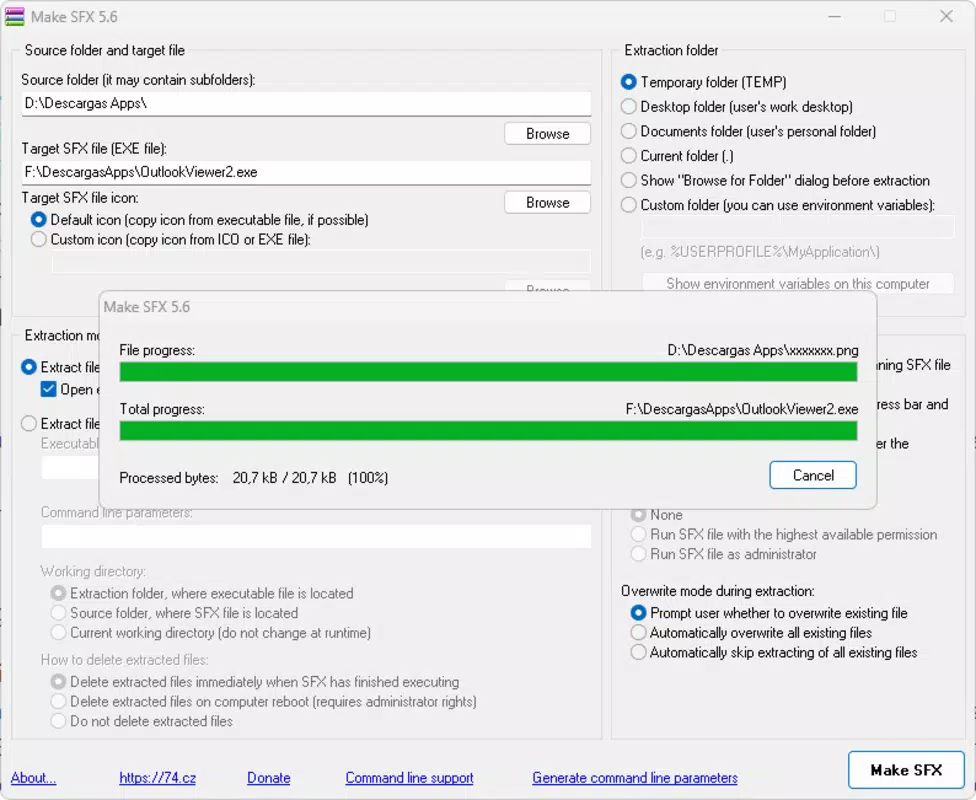
Visual elements are functional rather than decorative, emphasizing readability and task focus. Buttons and input fields are clearly labeled, and the flow guides users step-by-step through the file creation process. This design philosophy supports both first-time users and experienced individuals seeking a fast workflow.
Although the developer did not list formal performance metrics, the app appears optimized for stability during compression and extraction tasks. Users can expect consistent behavior when generating EXE files, with minimal risk of crashes or data corruption. Responsiveness is maintained across different device categories, ensuring smooth operation on various screen sizes and hardware configurations.
Performance during file processing is likely influenced by the size and number of source files, but the app maintains a stable state throughout. No reported issues with freezing or memory leaks were mentioned in the provided data. The tool operates reliably within the constraints of the mobile environment, offering a dependable solution for file packaging needs.
Platform Compatibility & Technical Requirements
Make SFX is designed for use on Windows-based systems. The app’s compatibility with different versions of Windows was not fully disclosed, but it is stated that files created with the tool can be extracted on any Windows version without additional software. This suggests broad platform support across modern and legacy Windows environments.
The software version is listed as 2024-10-31, indicating a recent release. The file size was not specified in the provided information, which may affect installation and storage considerations depending on the user’s device. The developer did not provide minimum OS requirements or hardware specifications, so users should exercise caution when deploying on older or low-resource systems.
While the app is described as a mobile application, its functionality aligns more closely with desktop utility software. The term “mobile” may refer to its lightweight, portable nature rather than native mobile platform support. Compatibility with Android or iOS was not confirmed, and no details were given regarding installation on non-Windows platforms.
Pros and Cons
- Simple, intuitive interface ideal for non-technical users
- Supports silent extraction for unattended operations
- Enables automated workflows via script execution
- Universal Windows compatibility for file extraction
- Flexible extraction path customization
- Uses ZLIB compression for efficient file size reduction
- File size and system requirements were not disclosed
- Platform compatibility beyond Windows was not confirmed
- No information on update frequency or developer support
- Interface may lack advanced customization options
- Mobile app label may be misleading if not truly mobile-optimized
FAQ
Is Make SFX available for Android or iOS?
The developer did not specify whether Make SFX is compatible with Android or iOS. Based on its functionality, it appears designed for Windows systems.
Can I use Make SFX to distribute software updates?
Yes. The app’s ability to run scripts during extraction and support silent installation makes it suitable for automated software distribution and updates.
Does Make SFX require additional software to extract files?
No. Files created with Make SFX can be extracted on any Windows system without requiring external tools or decompression software.
How does ZLIB compression benefit file packaging?
ZLIB compression reduces file size while maintaining compatibility and fast extraction speeds, making it efficient for distributing large or multiple files.
Is Make SFX safe to download and use?
As a utility focused on file packaging, Make SFX operates within standard Windows execution limits. Users should only download it from trusted sources to ensure security.
Final Thoughts
Make SFX stands out as a practical and focused tool for users needing to create self-extracting archives with automation and compatibility in mind. Its clean interface, script execution capability, and silent extraction features make it a valuable asset for professionals managing software deployment, training materials, or bulk file distribution.
While some technical details such as file size and system requirements were not disclosed, the app’s core functionality is robust and well-targeted. It delivers a reliable solution for Windows users who want to simplify file sharing without relying on external tools.
For IT teams, educators, and developers seeking a no-frills utility to streamline distribution, Make SFX offers clear advantages. Its emphasis on automation and cross-version compatibility ensures a consistent user experience across diverse environments.
Download Make SFX now


